USE CASES & EXAMPLES

See geographic data from where it matters.

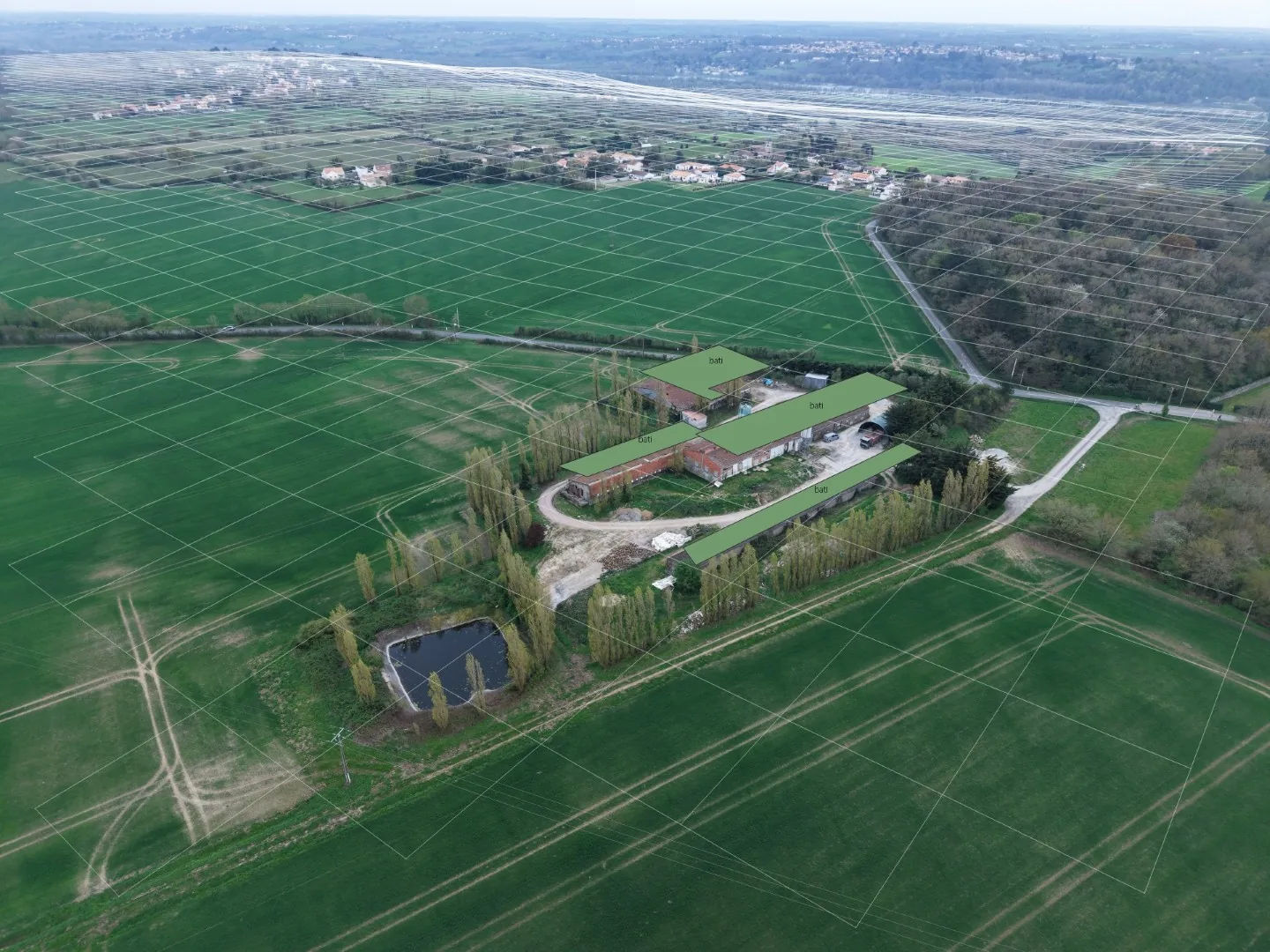
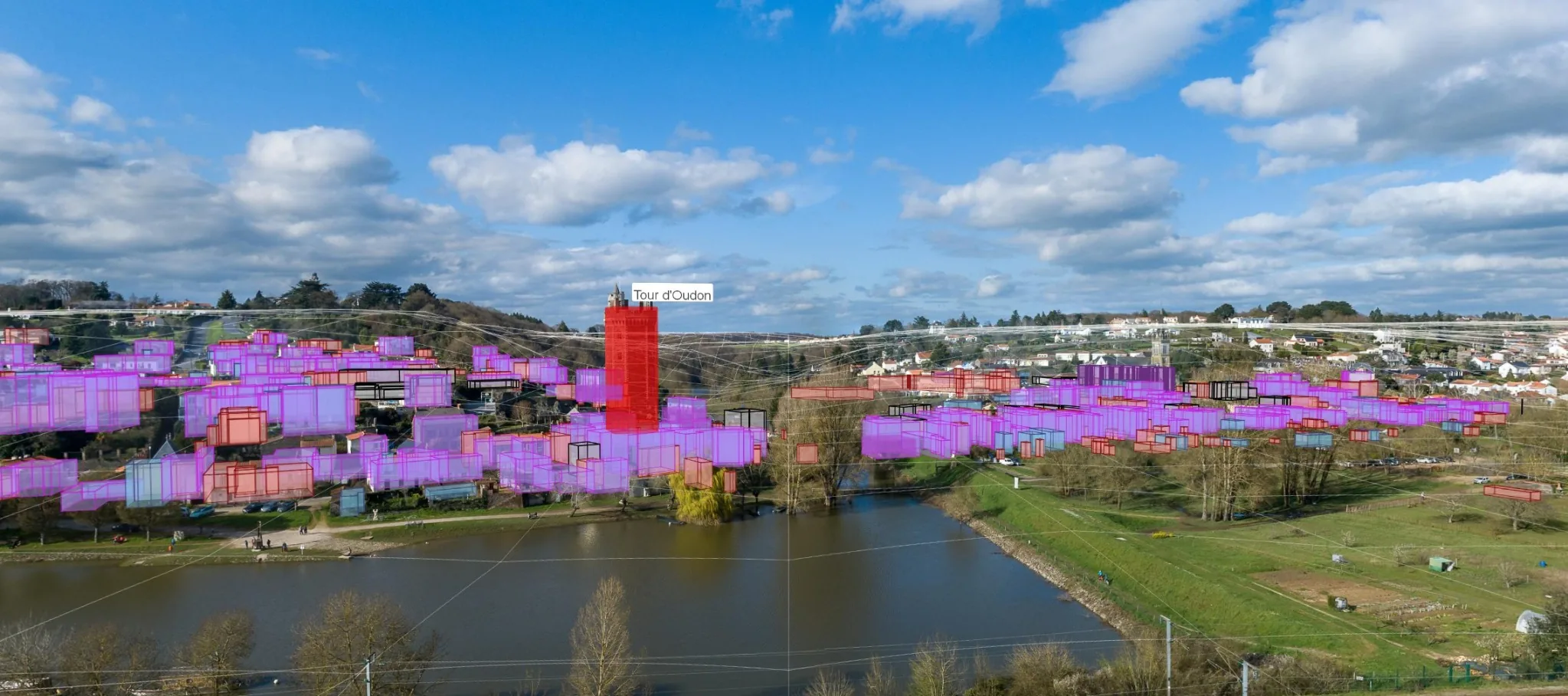
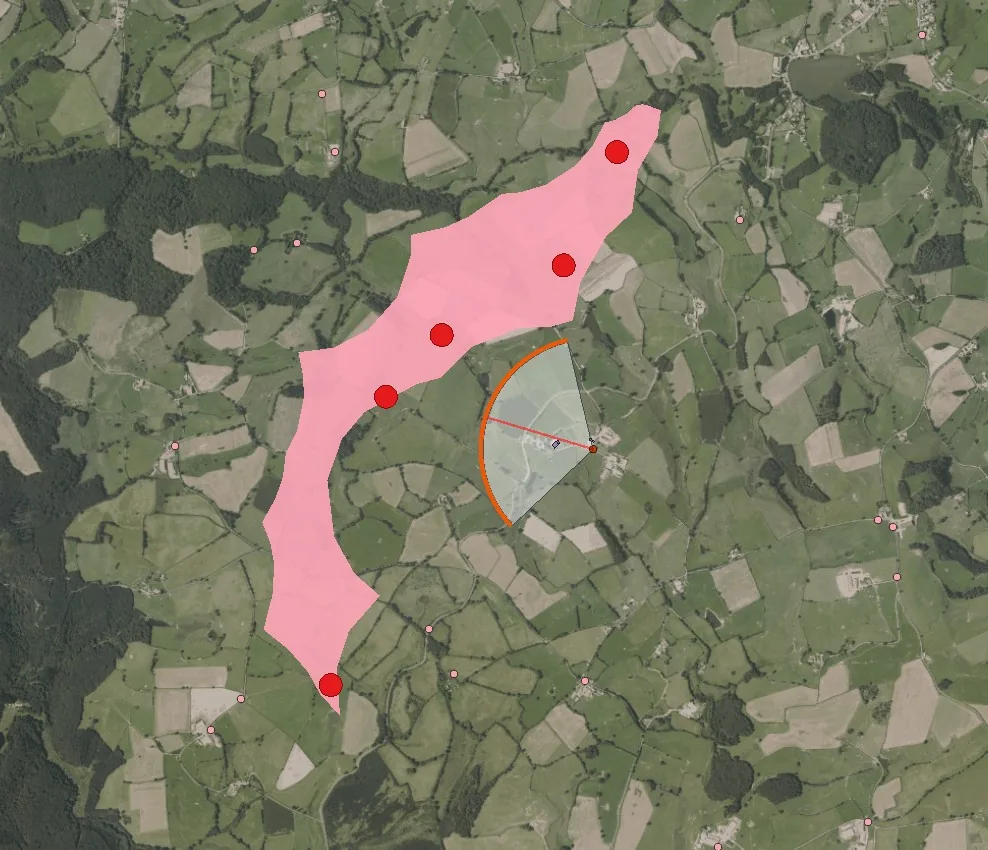
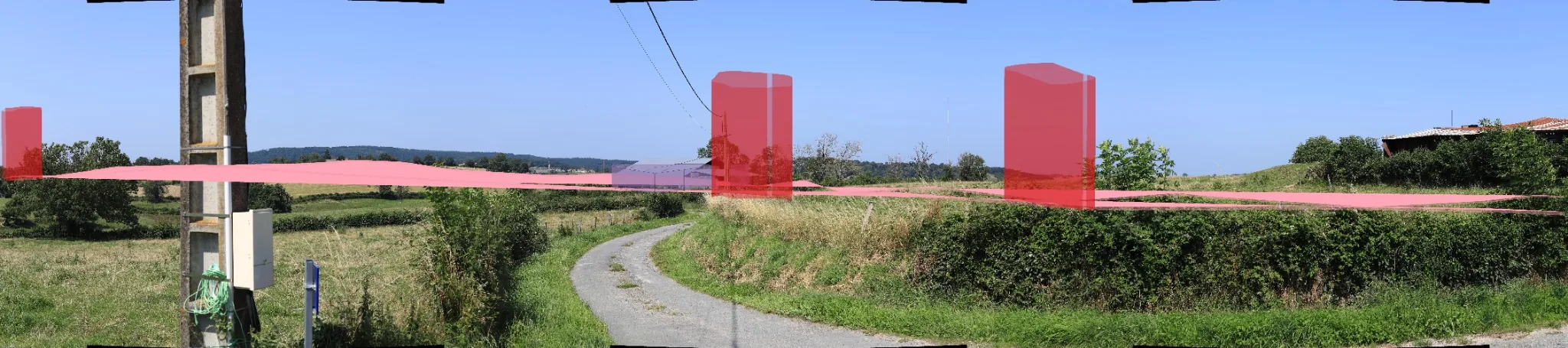
QCALVIEW connects maps, terrain and viewpoints. Photography can be added when a real scene is needed, but the underlying workflow remains geographic: choose a viewpoint, project mapped information, control scale and visibility, and compare alternatives.

QCALVIEW project elements projected over a panoramic rural photo
VIEWPOINTmap · terrain · perspective

EXAMPLES

Current examples. A wider field of use.

The current examples still reflect QCALVIEW's origins in landscape and project visualisation. The underlying mechanism is deliberately generic: a viewpoint, geographic data, terrain, a projection and an optional photograph.

Journalism Archaeology Urban planning Heritage Environment Infrastructure Geomatics Research Public communication Renewable energy

FROM OUTPUT TO CONVERSATION

Work on the map while everyone can check the moves.

A visualisation does not have to be a frozen deliverable prepared before the meeting. Share the QGIS session, work directly on the geographic data, and use QCALVIEW to keep the observer-based view in the discussion.

Share QGIS Keep project data, constraints and alternatives visible.
Edit the hypothesis Move, reshape or switch a mapped variant.
See the results Bring the change immediately back into perspective.
Compare and decide Discuss while the alternatives are still editable.

A DIFFERENT ROLE FOR VISUALISATION

Do not only show the answer. Use the view to work on the question.

For planning workshops, project reviews, landscape discussions, archaeological hypotheses, infrastructure coordination or public consultation, the people in the room can see how a geographic choice changes the view without leaving the GIS or waiting for a specialist to rebuild the scene elsewhere.

QCALVIEW turns perspective into part of the decision process, not only the final illustration of it.

WHO IS IT FOR?

For anyone who needs to see geographic data from somewhere.

The common denominator is not an industry, but a question: what does this mapped information look like from this viewpoint?

Renewable energy is where QCALVIEW was forged - not where it stops.

Renewable energy & visual impact

Check wind, solar and agrivoltaic projects from calibrated viewpoints.

Use terrain, visibility, GIS overlays and optional photography to support visual-impact assessment, early photomontage workflows, panorama checks, screening-hedge studies and project comparisons directly from QGIS.

Journalism & investigations

Turn mapped facts into a viewpoint readers can understand.

Put sites, boundaries, infrastructure or planned changes into perspective while keeping their geographic position traceable to the source map.

Archaeology & heritage

Relate mapped evidence to the landscape in which it is interpreted.

Project remains, monuments, routes, terrain or hypotheses into a present-day photograph, historical image or schematic field view.

Urban & territorial planning

Read plans from the street, the neighbourhood or the wider territory.

Test footprints, alignments, volumes and redevelopment scenarios before moving to heavier modelling or presentation workflows.

Environment & landscape

Move from spatial analysis to an observer-based reading.

Combine terrain, vegetation, visibility, mitigation measures and mapped projects to understand how spatial relationships translate into a view.

Infrastructure & engineering

Put routes and structures into context before detailed visual production.

Project mapped alignments, structures or construction hypotheses from selected viewpoints for early checks, coordination and explanation.

Fieldwork & geomatics

Connect survey, map and photograph without breaking the workflow.

Use calibrated viewpoints, projected layers and monoplotting-oriented tools to support field interpretation and map ↔ view control.

Research & education

Make spatial hypotheses easier to see, discuss and challenge.

Turn coordinates and geometries into an observer-based representation for teaching, research and exploratory analysis.

Public communication

Make a geographic choice understandable while it can still change.

Create grounded views for meetings, consultation and decision-making, and keep them live enough to test alternatives during the discussion.
?

If the map tells you where , QCALVIEW helps you ask from where and how it appears .

That question exists in far more fields than visual-impact studies.