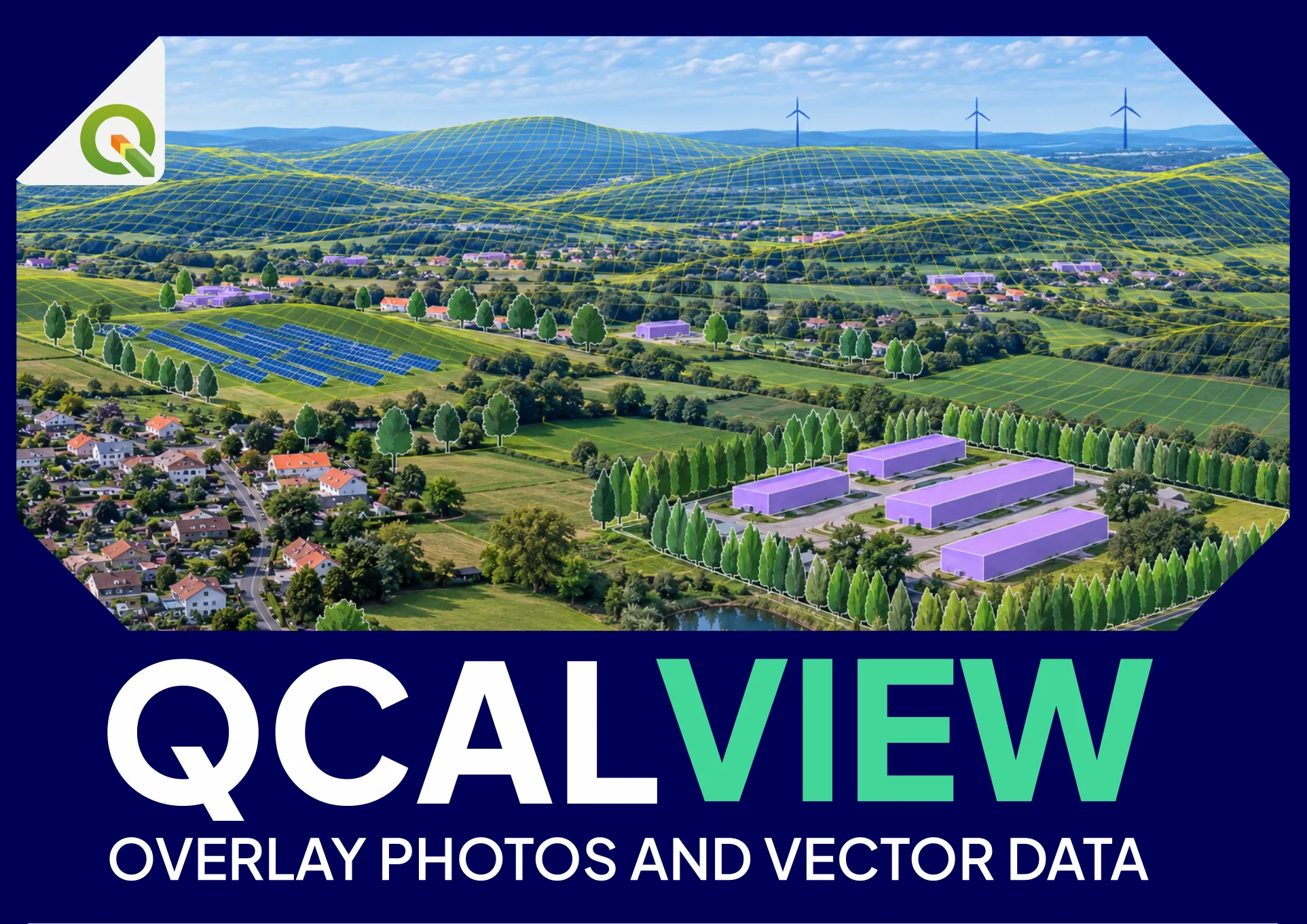
Visual impact
Projects, terrain and mitigation
Calibrated views for wind, solar, agrivoltaics and landscape assessment.
OPEN-SOURCE QGIS PLUGIN · STABLE · AVAILABLE IN QGIS
Give your vector maps another dimension in QGIS.
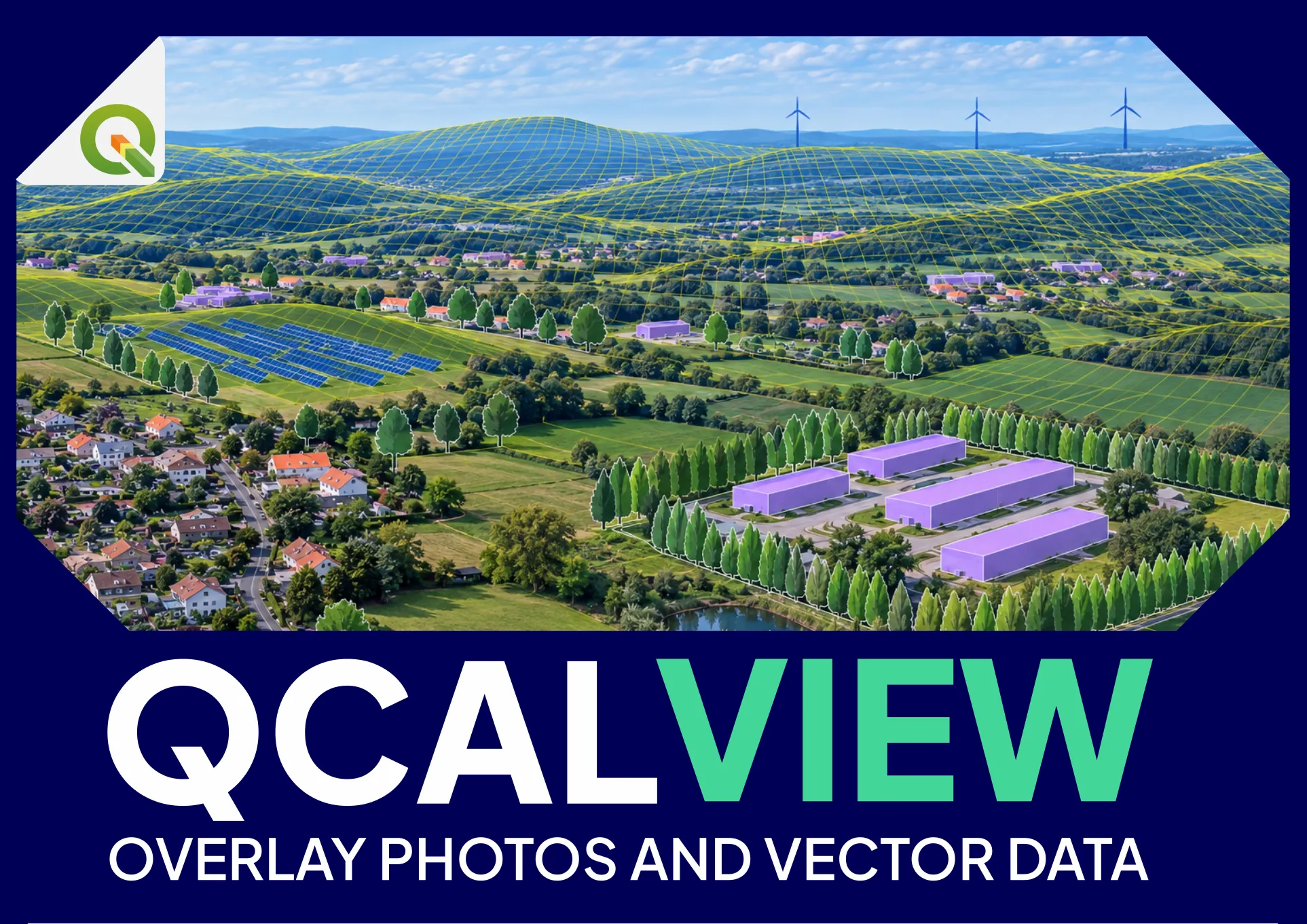
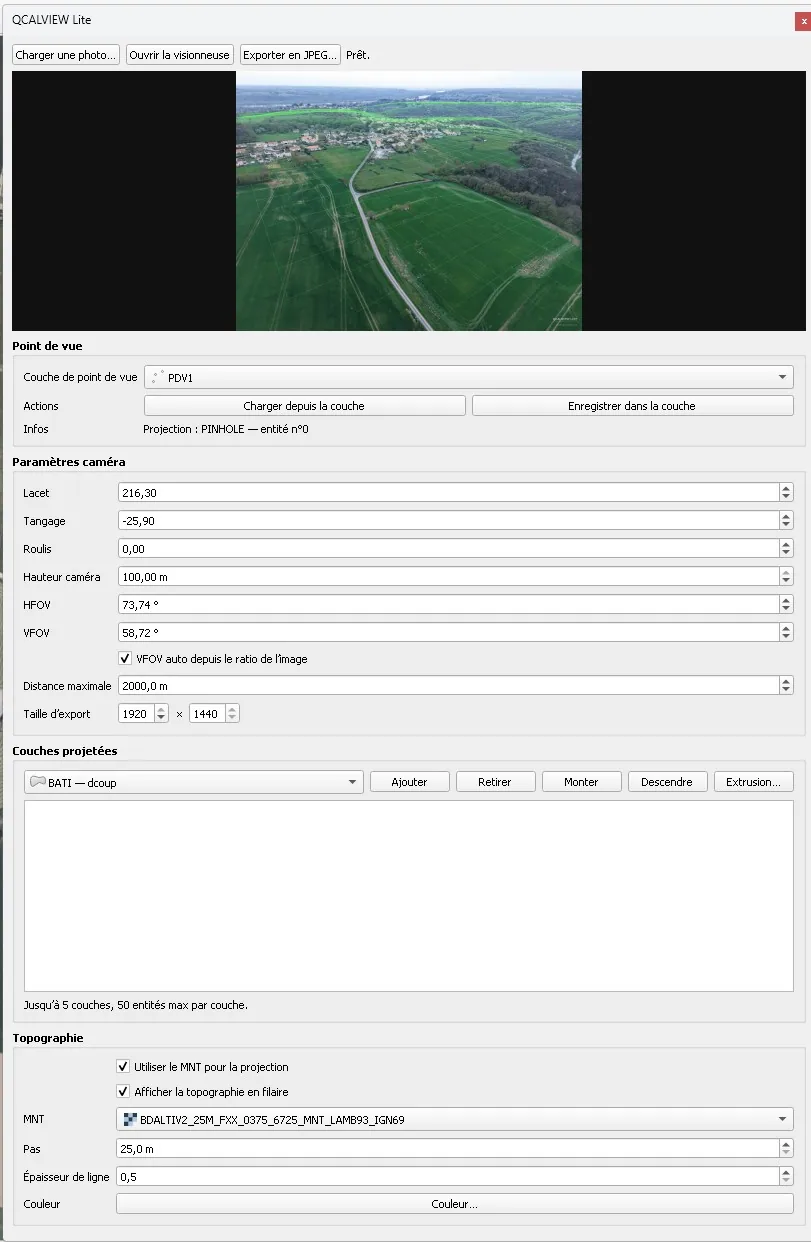
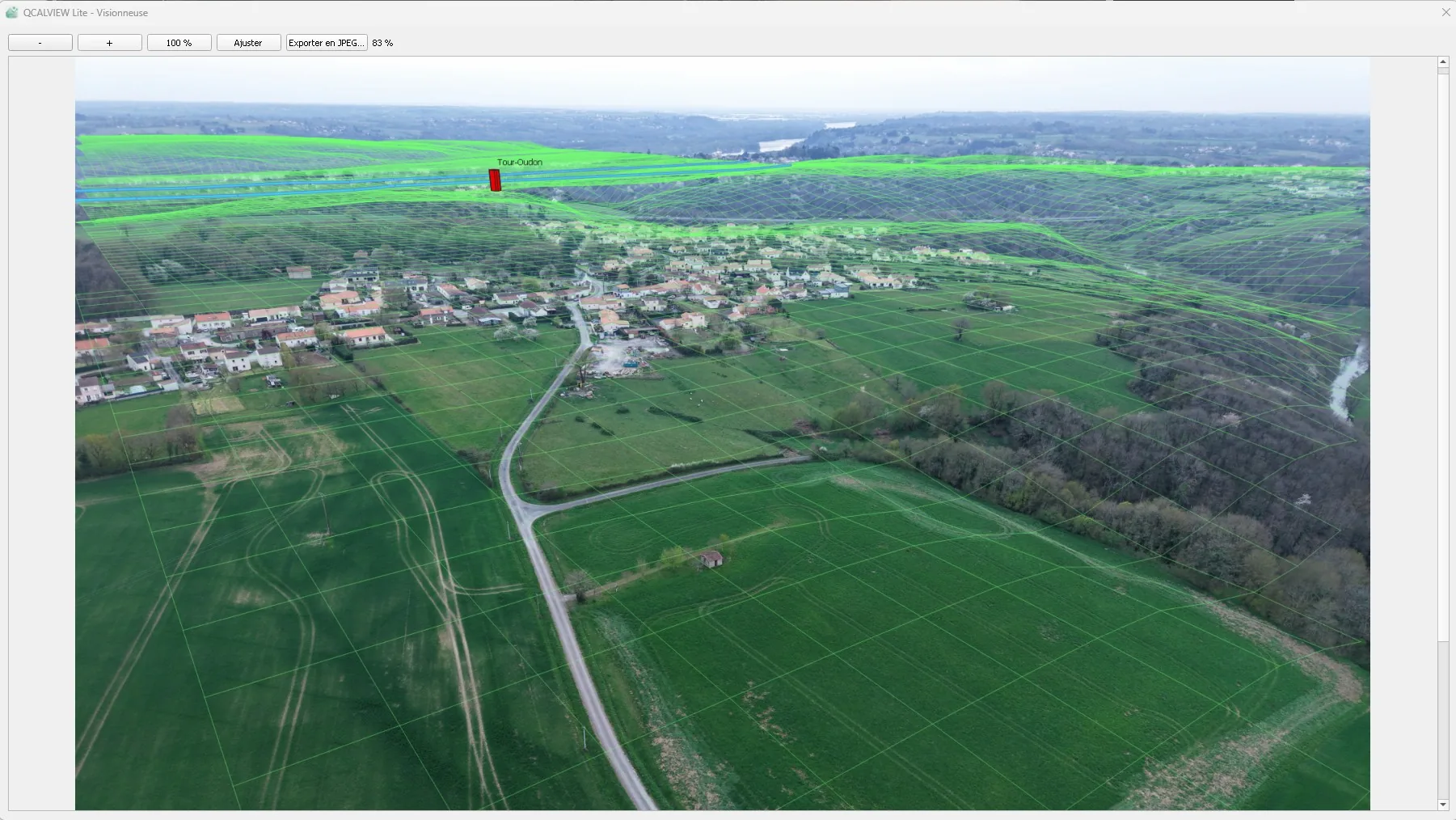
QCALVIEW makes perspective another way to read geographic data. Start with a schematic view, then calibrate the viewpoint against a photograph when you need to compare mapped information with a real view. Stay in QGIS until the task genuinely requires something else.
THE IDEA
“The map is not the territory.”
Alfred Korzybski - Science and Sanity (1933) Null-A echo - “The word is not the thing itself.” - A. E. van Vogt, The World of Null-A
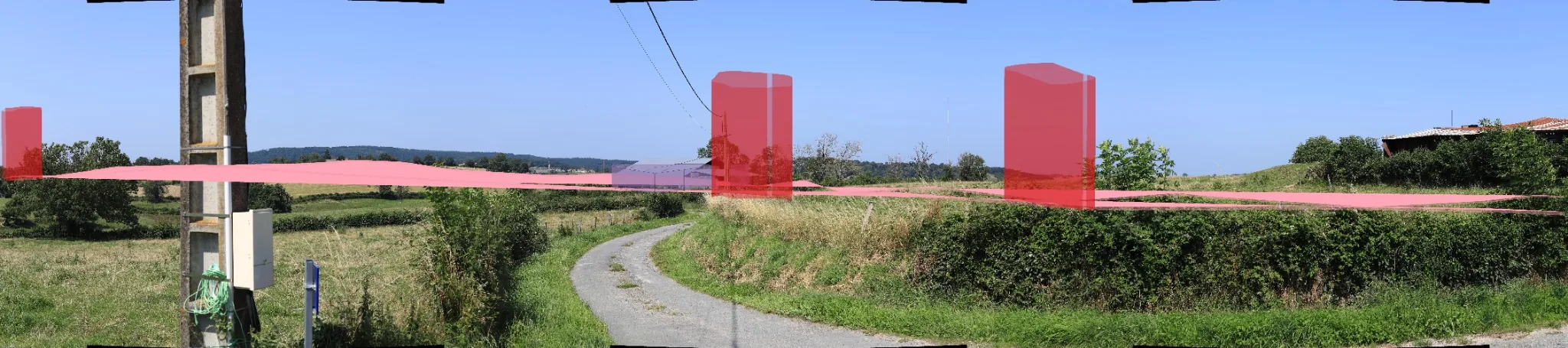
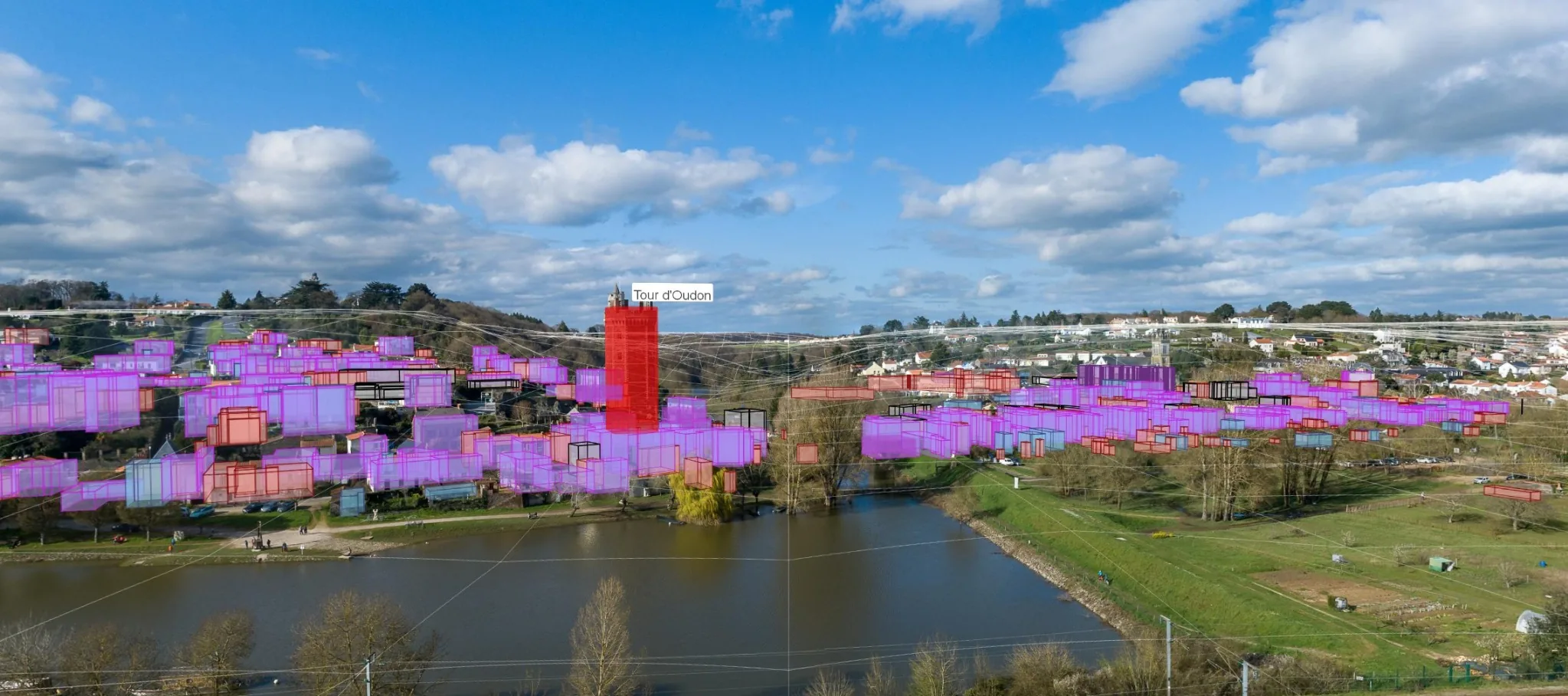
Maps abstract, organise and measure geographic information. Photography records a situated view. You can attach photographs to points on a map, but the relationship usually stops there: the mapped data itself is not projected into the image. QCALVIEW adds the missing spatial link between mapped information, an observer and what can be seen from that position.
Geographic data already organised in QGIS.
Observer position, orientation and projection.
Terrain and mapped data read in the observer's field of view.
Calibrated visual background when correspondence with a real view matters.
Not every visual question deserves a full modelling pipeline. But a quick answer should not trap you in “close enough” either. QCALVIEW is designed so the same workflow can move from an indicative sketch to a carefully calibrated perspective as the level of evidence increases.
QGIS already manages coordinate systems, transformations and heterogeneous spatial layers, often on the fly. For many visual questions, exporting the project to another application means rebuilding capabilities that are already present in the GIS. QCALVIEW keeps the visual step connected to that source data for as long as it makes sense.
GIS → export → rebuild / convert → specialist software → specialist operator → visual answer
GIS → viewpoint → required level of control → visual answer → specialist software only if the next question requires it
CURRENT CAPABILITIES
ORIENT & CALIBRATE
PROJECT & INTERPRET
WORK & DECIDE
USE CASES
QCALVIEW was forged in landscape and renewable-energy work, but its core question is broader: what does mapped information look like from a chosen viewpoint?
Visual impact
Calibrated views for wind, solar, agrivoltaics and landscape assessment.
Planning & heritage
Relate plans, routes, structures and hypotheses to the places where they are perceived.
Geomatics & research
Connect GIS layers, field observations and photography without leaving the QGIS workflow.
QUICK ANSWERS
Direct answers to the questions people usually ask before installing or testing the plugin.
QCALVIEW is an open-source QGIS plugin that projects geographic data into an observer-based perspective. It can work as a schematic GIS view or use a calibrated photograph as the visual background.
QCALVIEW supports photo-overlay and visual-simulation workflows by placing mapped geometry, terrain and project elements into calibrated images. It can prepare and accelerate photomontage work, while specialist 3D or image-production software remains appropriate when a final deliverable requires it.
Yes. QCALVIEW was initially developed around renewable-energy and landscape workflows: wind turbines, photovoltaic and agrivoltaic layouts, visual-impact assessment, panoramic viewpoints, screening measures and visibility checks.
Yes. Photography is optional. A viewpoint, terrain and GIS data are enough to build a schematic perspective; a photograph can then be added when correspondence with the real view matters.
Yes for rendering. A DEM, DTM or DSM raster must be explicitly selected in QCALVIEW. Merely having a raster loaded in the QGIS project is not sufficient.
QCALVIEW 40.21 is the current stable public release for QGIS 3.44 and QGIS 4.x. It is available directly from the standard QGIS Plugin Repository.
DOCUMENTATION
The documentation covers calibration, terrain, projected layers, projection models, the viewer, export and practical workflows. Tutorials will continue to expand as the public documentation evolves.
Photo & viewpoint, calibration, terrain, projected layers, projections, viewer and export.
TUTORIALSPhoto calibration, wind panorama, screening hedge, solar sketch and occlusion checks.
 VIDEO DEMONSTRATIONS
See QCALVIEW in use.
Open the ArcTan° YouTube channel ↗
VIDEO DEMONSTRATIONS
See QCALVIEW in use.
Open the ArcTan° YouTube channel ↗
LATEST RELEASE
40.21 is published on the standard QGIS repository channel. It can be installed directly from the official QGIS Plugin Repository without enabling experimental plugins. QCALVIEW continues to evolve, and users should still check project data, coordinate reference systems and projection parameters carefully when using visual simulation workflows.
INSTALL FROM QGIS
Open Plugins > Manage and Install Plugins...
Open All and search for QCALVIEW.
Select QCALVIEW from the results.
Select QCALVIEW and click Install Plugin.
40.21 AT A GLANCE
BEFORE USING QCALVIEW
A terrain raster is required for rendering. Before generating a preview or export, explicitly select a DEM / DTM / DSM in QCALVIEW's terrain settings; merely loading a raster in the QGIS project is not sufficient. Use a suitable projected metric CRS for the working area and verify that viewpoints, vector layers and terrain are correctly referenced.
When reporting a problem, include the QGIS and QCALVIEW versions, operating system, project CRS, relevant layer and terrain CRS, projection mode, and a short description or screenshot showing the expected and observed result.
STABLE CORE · EVOLVING ADVANCED TOOLS
The pinhole / rectilinear workflow is currently the most mature. Panoramic behaviour, complex SVG rendering, live refresh and performance on heavy scenes are still being refined. Production outputs should be visually checked by the operator.
Read the current limitations ↗